Our Products
This website will help you to make your own website.
Even if you don't know how to create a website, we will let you know in the easiest way.
Programs that need to be prepared
First, we need to install a coding program called Visual coding studio. You can code with other programs, but the visual coding studio is neatly organized to help you code easily.
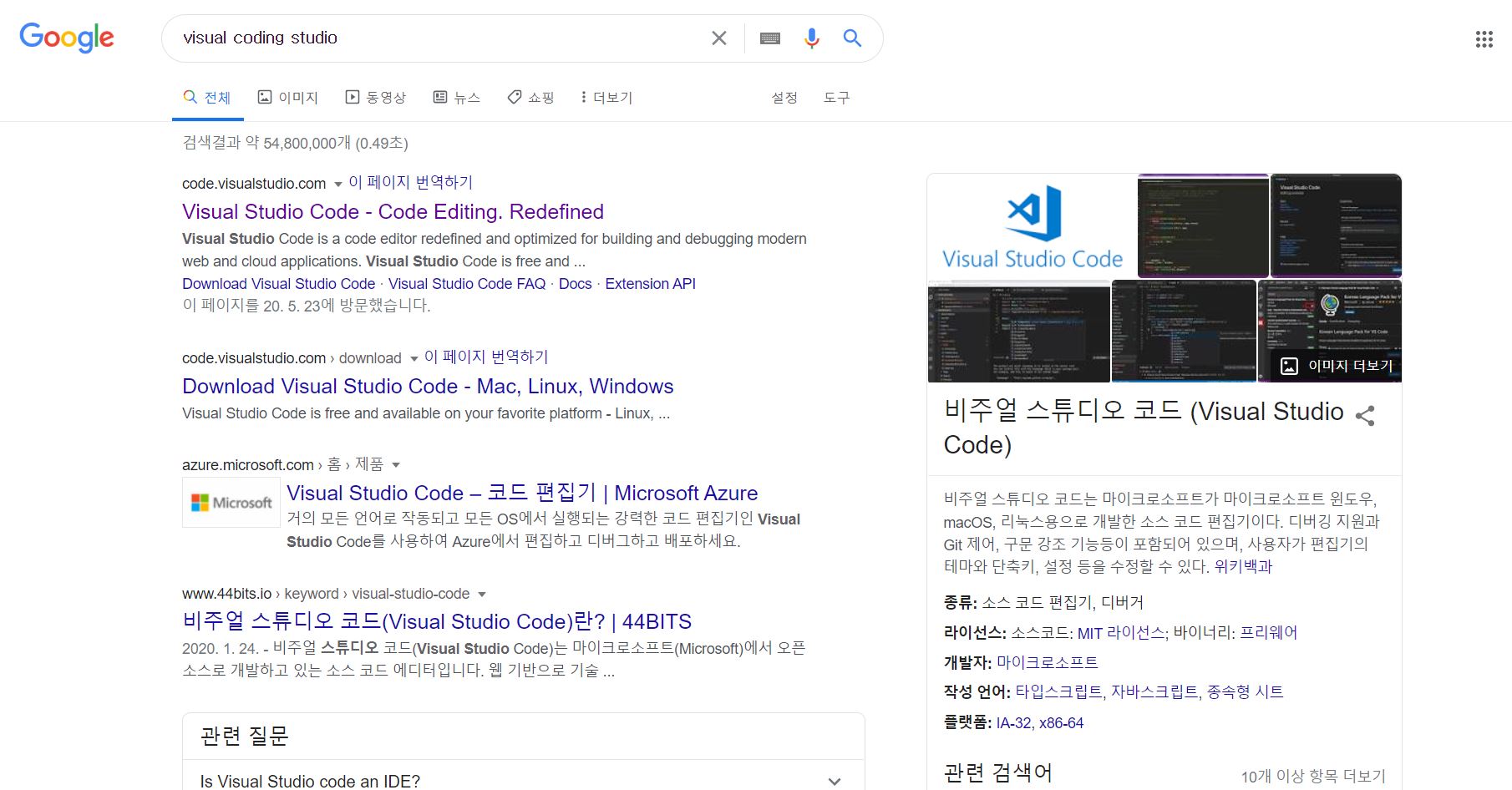
Search Visual Studio code on the Internet and go to the official website
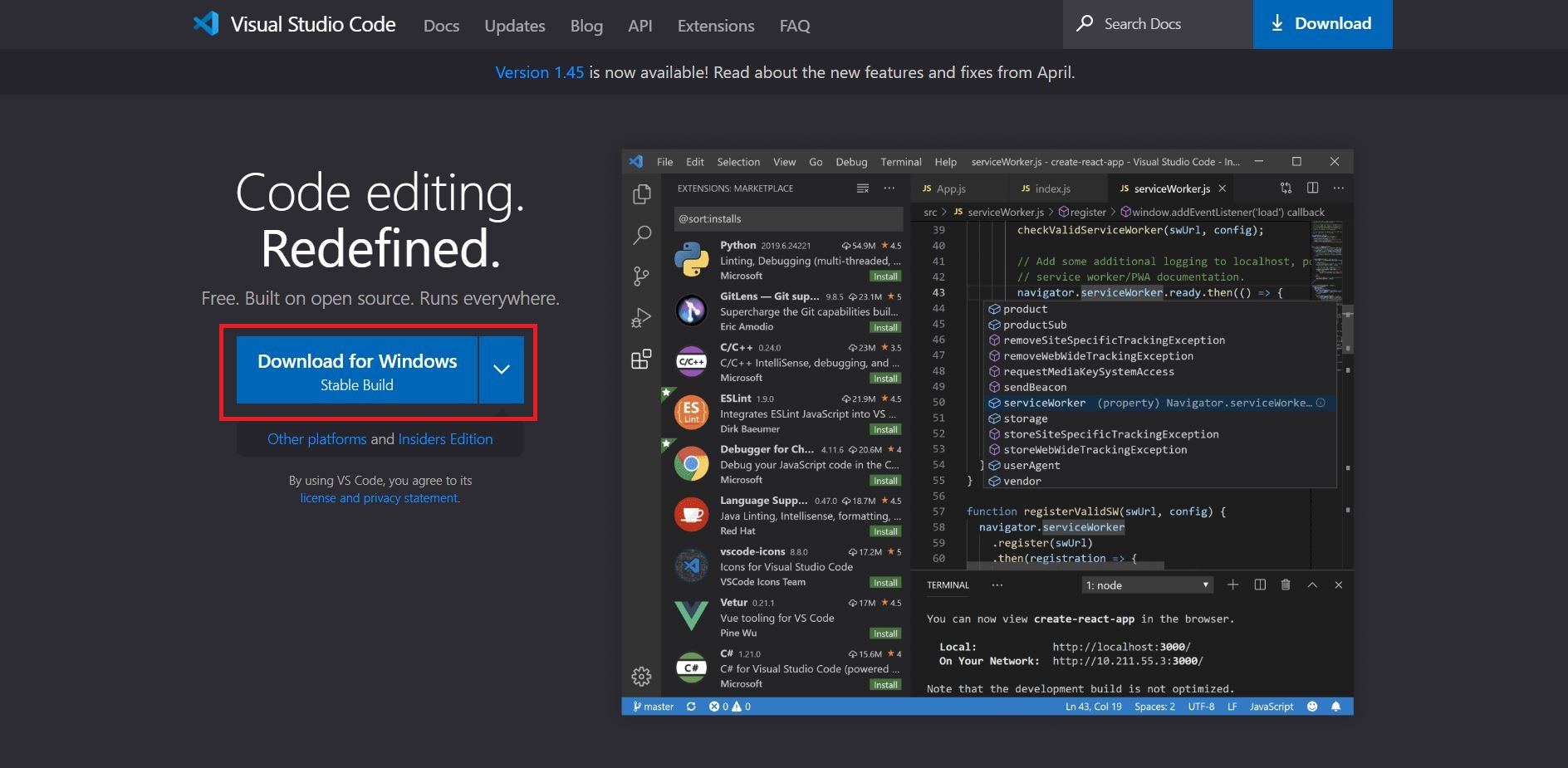
Click Download for Windows to install the program
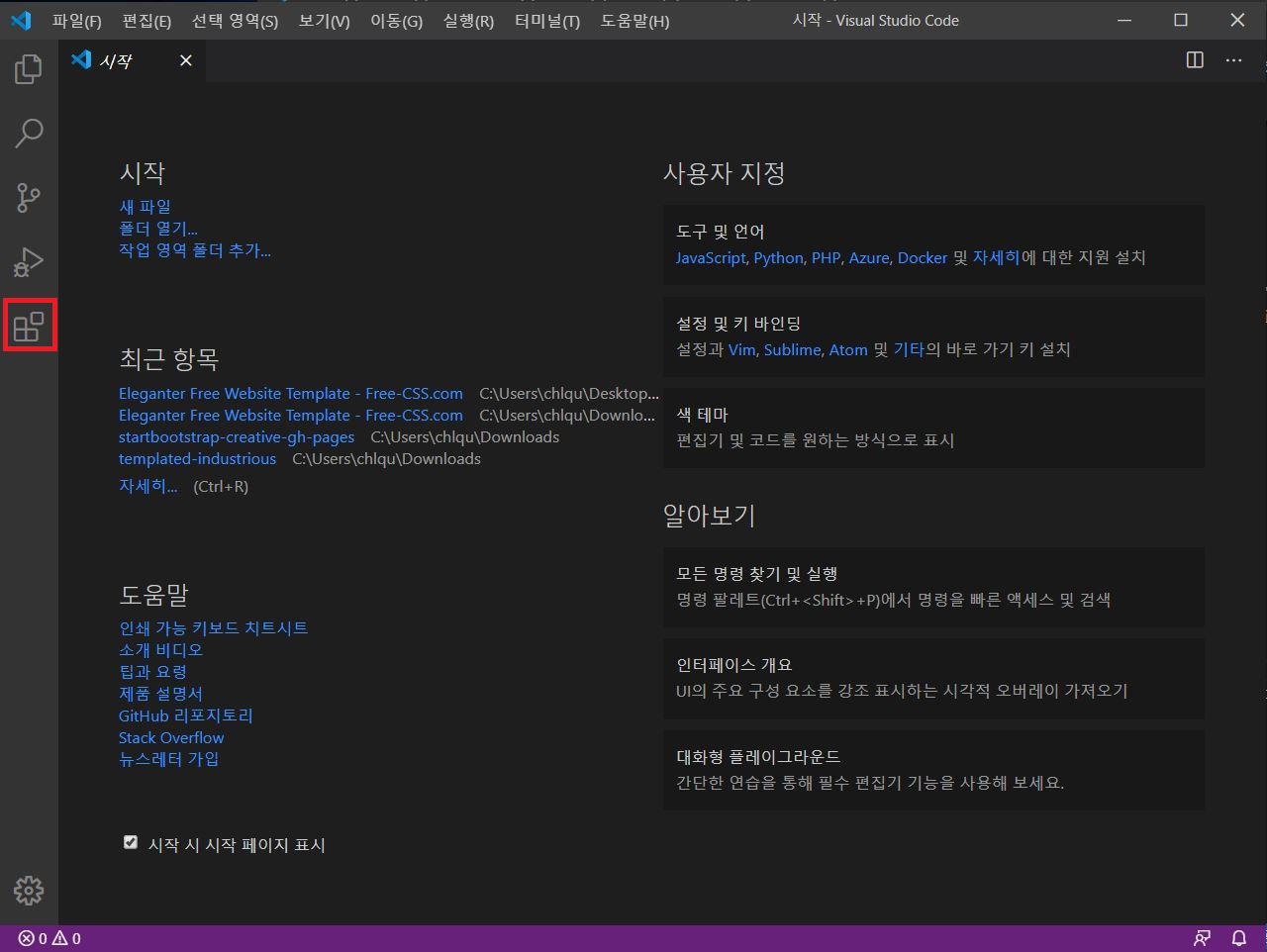
Install the program after downloading and open the program. And press the icon with 4 boxes next to it
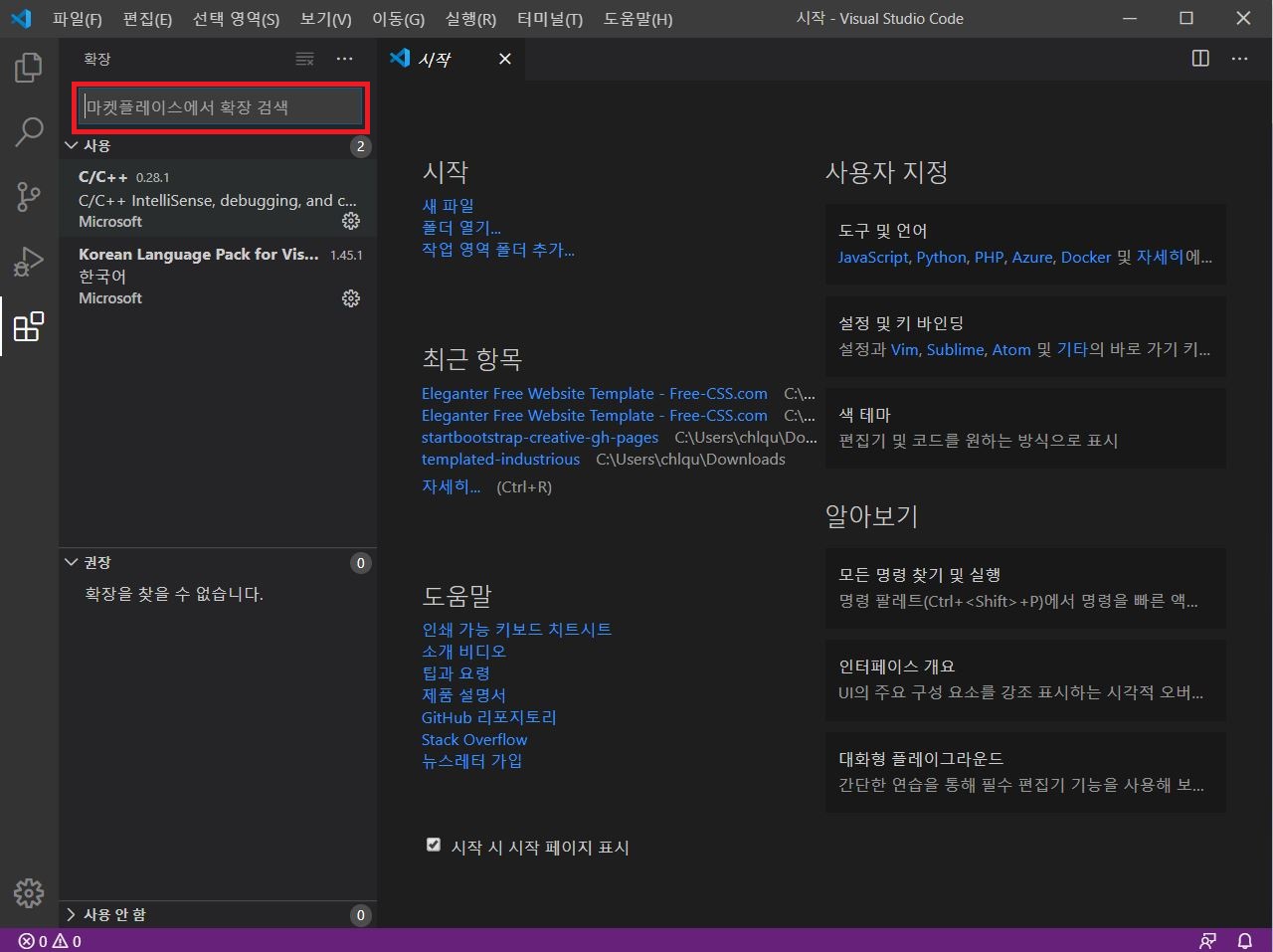
Search "C/C++" in the search
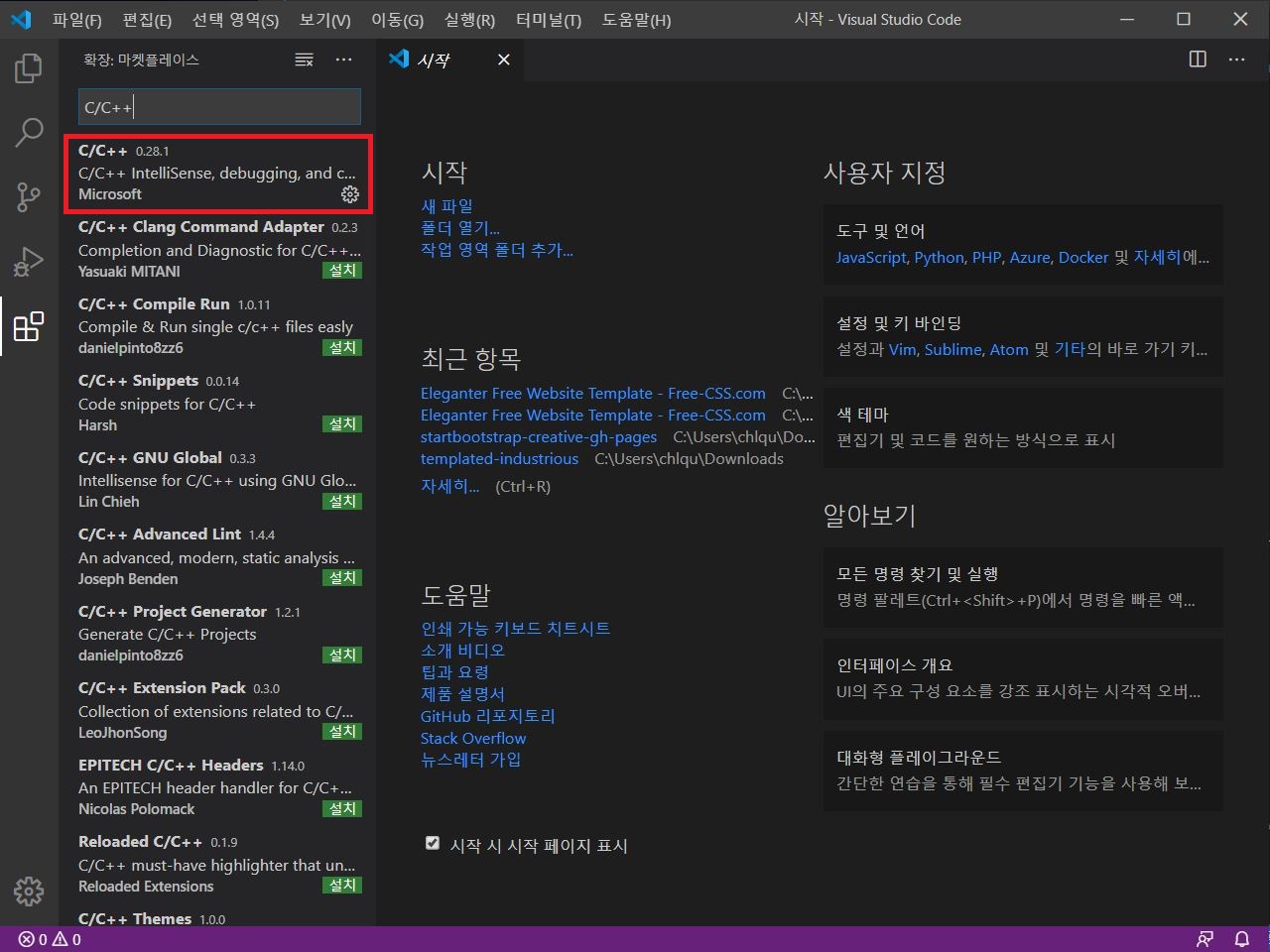
Install the top program
 "
"
Then go to free-css.com and choose one template
Official website: https://www.free-css.com/free-css-templates
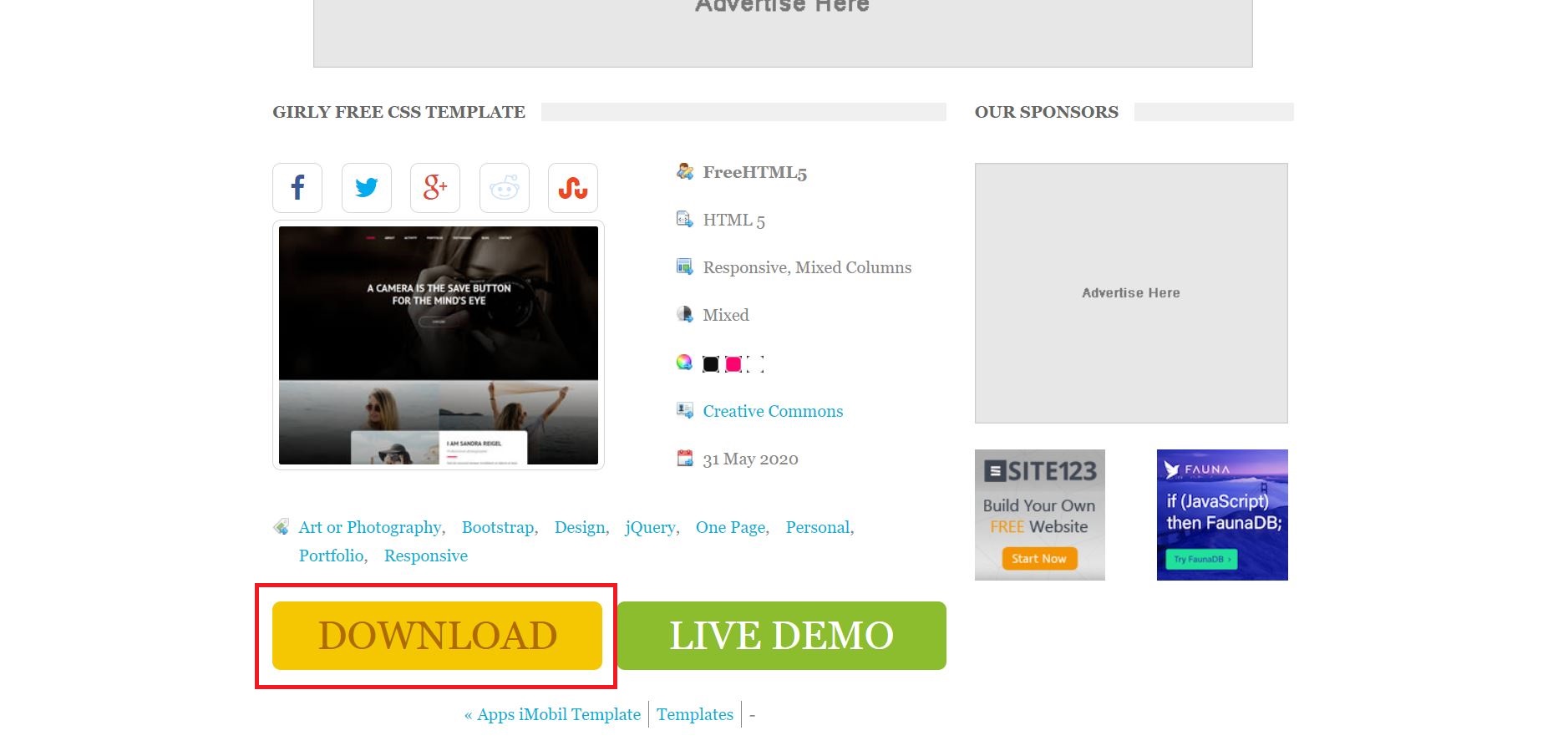
Download and decompress the files
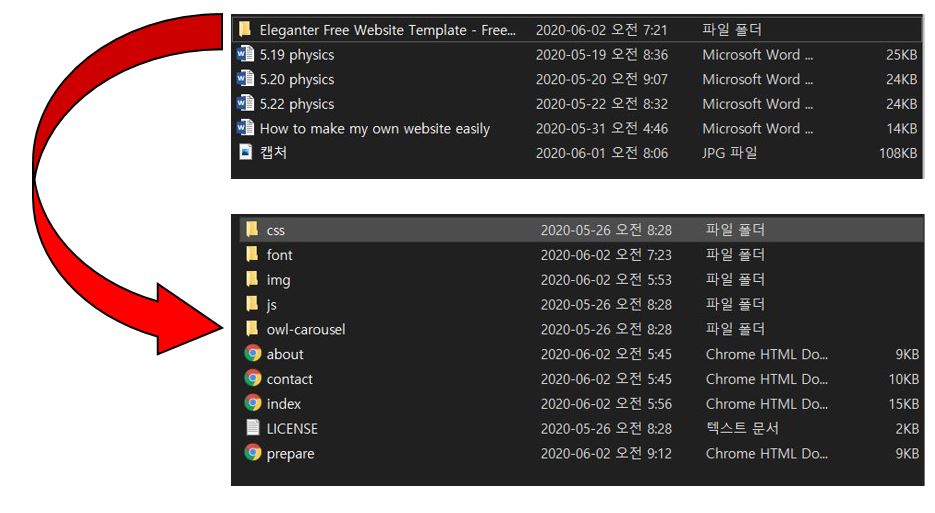
These files are all for creating one website
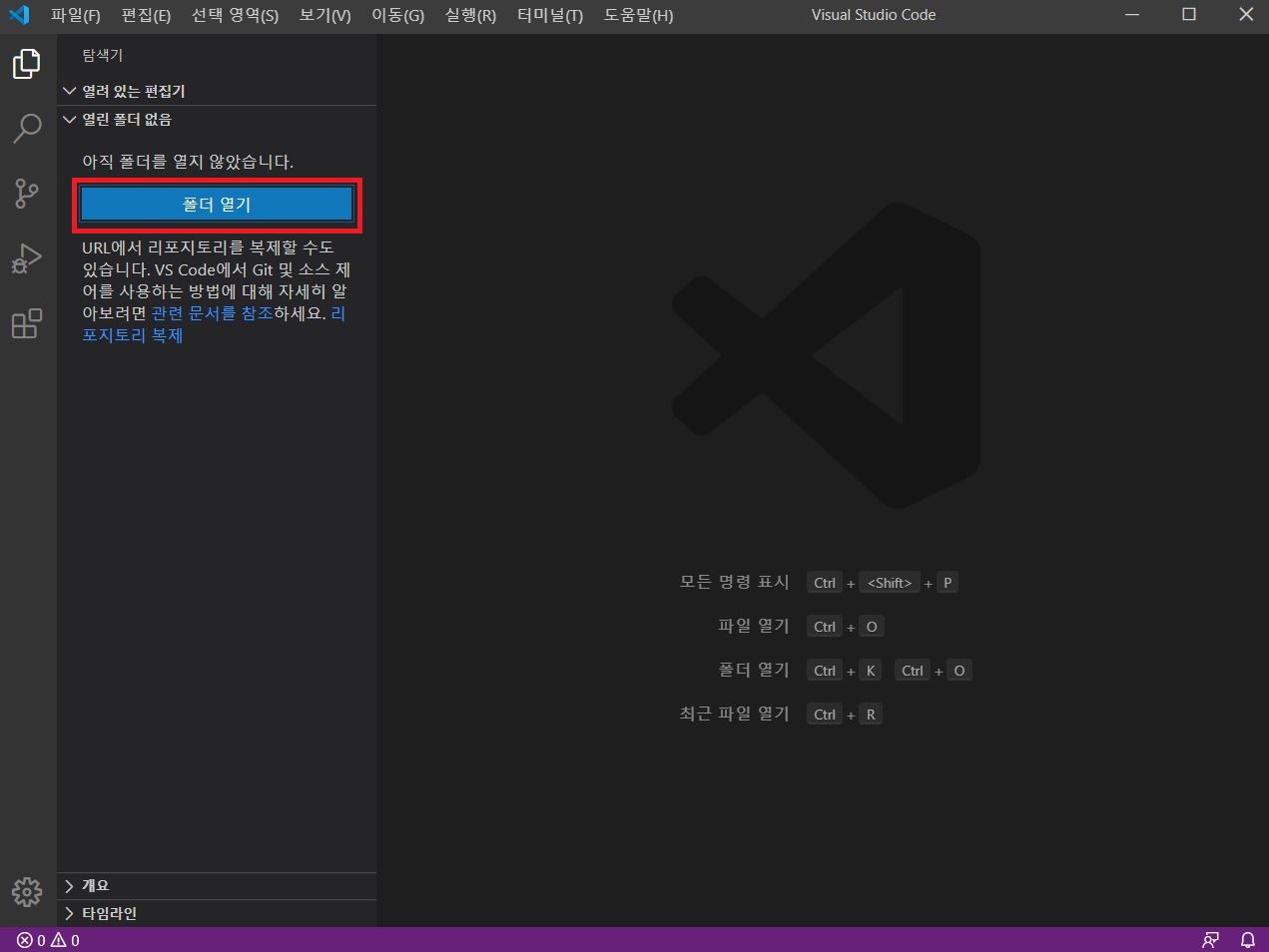
Return to the visual studio code and press 'open files' to import the decompressed files
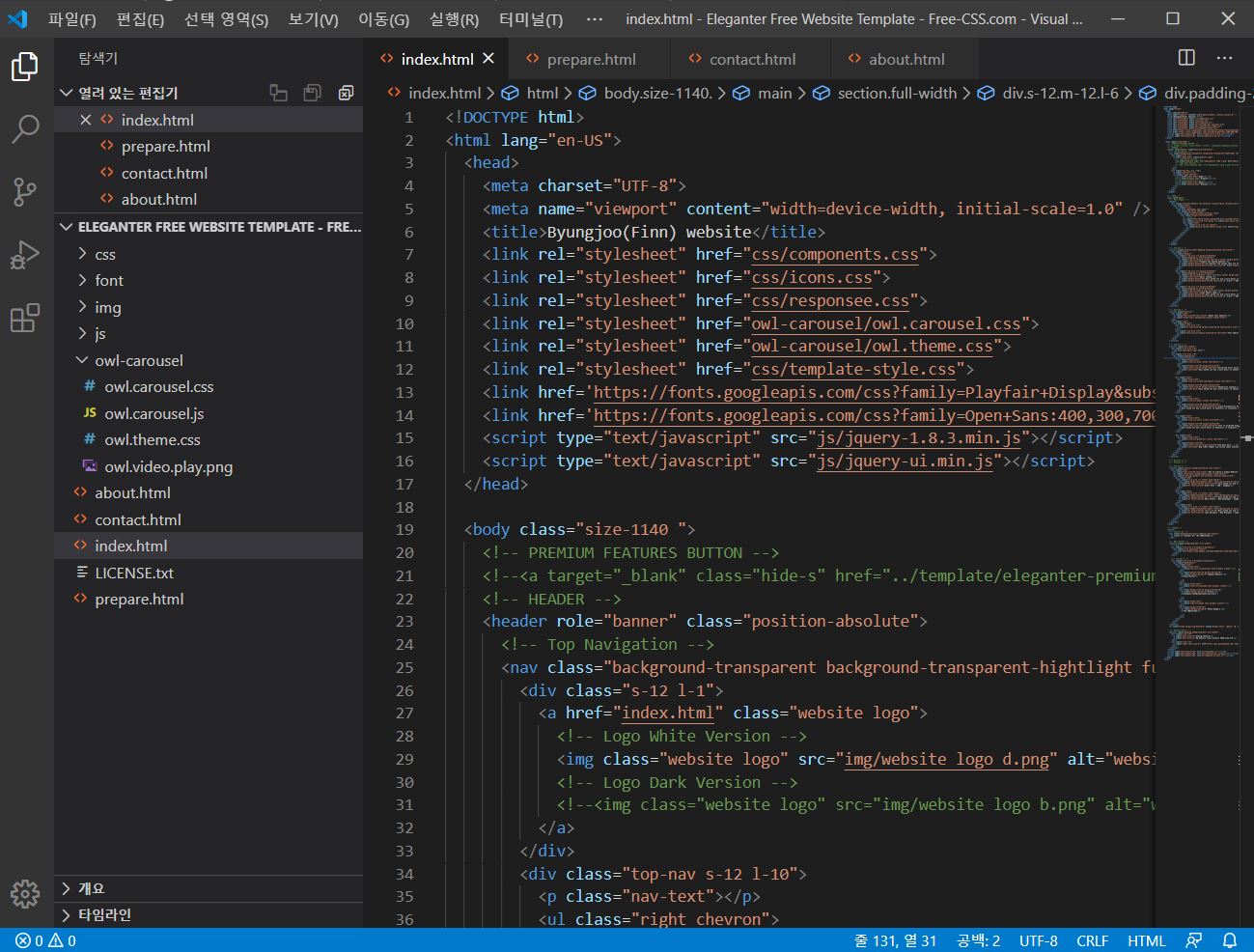
So we're all set up to build a website